
Spartaza Mobile App: Slots and Sportsbook on the Move
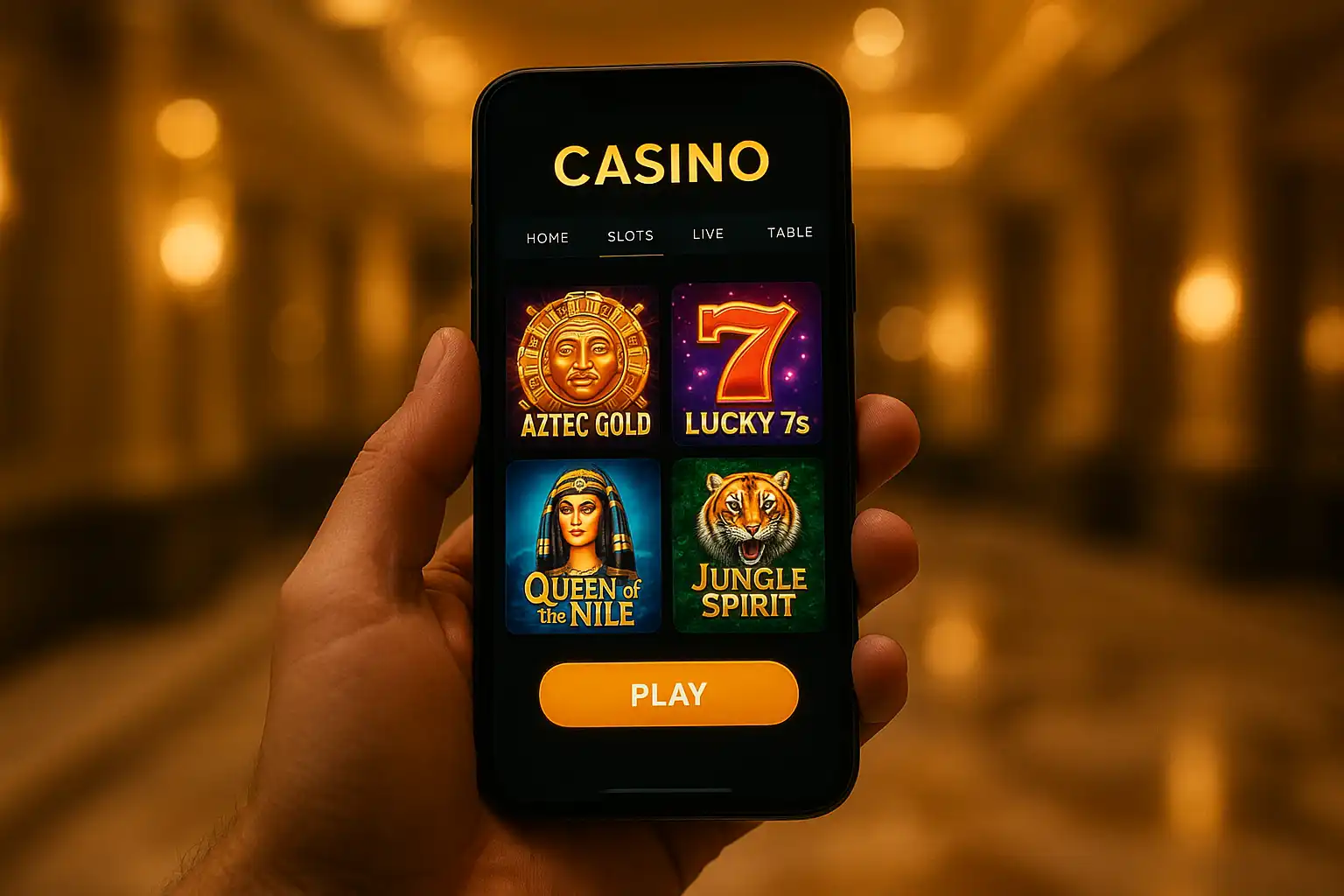
Spartaza built its app on the same principle as the arena theme itself, nothing about the experience should feel smaller or cheaper than the main event. The mobile app carries the full slot library, live casino tables, sportsbook and cashier across to a phone or tablet, and syncs a session started on desktop the moment a player logs back in on mobile.
Getting the App
Spartaza does not currently list on the Apple App Store or Google Play directly, a common situation for UK gambling apps due to app store restrictions on real-money wagering. Instead, the app installs directly from the Spartaza site.
For iOS:
- Open the Spartaza site in Safari on an iPhone or iPad.
- Tap the account menu and select “Get the App”.
- Follow the on-screen prompt to add the web app to the home screen.
- Trust the developer profile in Settings if prompted, then launch from the home screen icon.
For Android:
- Open the Spartaza site in Chrome on an Android device.
- Tap the download prompt or the app link in the account menu.
- Allow installation from unknown sources if the device requests it, since the file comes directly from Spartaza rather than the Play Store.
- Open the downloaded APK and follow the installation steps.
The whole process takes a few minutes on either platform, and existing accounts log straight in without needing to register again.
Device Requirements
| Platform | Minimum Version | Storage Needed |
|---|---|---|
| iOS | 14.0 or later | 150 MB |
| Android | 9.0 or later | 180 MB |
| iPad (tablet layout) | iPadOS 14.0 | 150 MB |
Older devices can usually still reach the mobile site through a browser even where the app itself is not supported, though the app runs noticeably smoother on anything released in the last four or five years.
What the App Covers
The lobby structure mirrors desktop closely enough that switching between the two mid-session does not feel disorienting. Slots are organised by provider and by feature (jackpots, high volatility, buy-bonus titles), the live casino section streams Evolution Gaming tables in a format built for portrait orientation, and the sportsbook keeps a scrolling in-play ticker along the top of the screen for fixtures currently running.
- Full slot library, including new releases day-of-launch
- Live dealer blackjack, roulette and game shows
- Sportsbook with in-play betting and cash-out
- Cashier supporting deposits and withdrawals
- Push notifications for bonus credits and sportsbook results
- Biometric login on supported devices
Push notifications are opt-in during setup and can be adjusted later from account settings, which is worth doing early since the default settings notify for most bonus and sportsbook events.
Performance and Data Use
The app is built to run reasonably light on mobile data given how much content it moves, mostly by loading game assets on demand rather than bundling the whole library into the initial install. A typical session, a few slot spins and a quick look at the sportsbook, uses somewhere in the region of 5 to 10 MB, though live casino streaming pulls considerably more due to the video feed. Players on a limited data plan may prefer to save live tables for a Wi-Fi connection.
Battery use during slot play is comparable to any other graphics-heavy app; live casino and sportsbook live streaming draw more power due to continuous video decoding, so a long live session is a reasonable moment to plug in if the device is getting low.
App vs Desktop: What Actually Differs
Very little separates the two beyond screen real estate. The desktop site fits more slot tiles into a single view and makes multi-tabling the sportsbook easier, since several markets can sit open side by side. The mobile app compensates with a cleaner single-column layout that suits one-handed use, plus the biometric login and push notifications that desktop cannot offer. Deposit and withdrawal limits, bonus terms and game availability are identical across both, so there is no functional disadvantage to running an account primarily through the app.
Troubleshooting Common Issues
Login failures on mobile are most often a stale session rather than an account issue, resolved by fully closing and reopening the app rather than just switching away and back. If the app fails to install on Android, double-checking that installation from unknown sources is enabled for the browser being used (rather than system-wide) usually clears it, since some Android versions scope that permission per app.
Players who reinstall the app after a phone upgrade or reset will need to log in again but should not need to re-verify KYC documents, since that information stays tied to the account rather than the device. Support can resend the install link by email for anyone who cannot locate the original prompt on the site.
Security on Mobile
Because the app installs outside the official app stores, some players are understandably cautious about where the file comes from. Spartaza signs every release and serves the install package directly from its own domain over HTTPS, so there is no third-party host involved at any point in the download. The app itself uses the same encryption for account data and payment details as the desktop site, and biometric login (fingerprint or face recognition, depending on the device) adds a layer that a browser session on desktop cannot match.
Two-factor authentication, if enabled on the account, applies identically across app and desktop, prompting for a one-time code on any new device regardless of platform. Players who share a household device with family members are advised to enable this regardless of which platform they favour, since it is the single most effective way to stop an unauthorised login.
Notifications Worth Keeping On
Not every push notification is worth muting just because the default set feels like a lot at first. Deposit and withdrawal confirmations are useful for keeping track of the cashier without needing to check the site, and bonus expiry warnings give a genuine heads-up before free spins or a reload offer lapses unused. Sportsbook results notifications are the most a matter of personal taste, useful for anyone with a bet running but easy to live without for players who mainly stick to slots.
Why the App Suits UK Players Specifically
The layout and load times were tuned with UK mobile networks in mind rather than a generic global build, which shows up mostly in how the live casino section behaves on a moving 4G connection, such as a commute, without needing to drop to a lower stream quality every few seconds. Combined with the sportsbook’s coverage of UK-heavy fixtures like the Premier League and British horse racing, the app ends up feeling built for the local market rather than adapted from something designed elsewhere and translated after the fact.